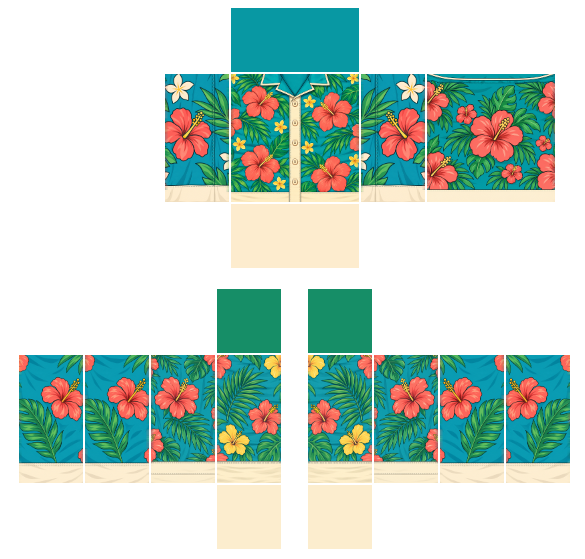

Roblox Shirt Maker
Edit a Roblox shirt, preview it on R6 and R15, run the upload check, export.
No art yet? Start from the template
Free editing reads local image blobs and exports a canvas PNG. Image handling and analytics
How the Roblox shirt maker works
A Roblox shirt maker maps a 585 × 559 PNG onto an avatar: six faces for the torso and six for each arm. This page keeps that layout on screen so you can paint one face at a time, wrap it on R6 and R15, and fix size or seam problems before you pay the upload fee.
- Open a labelled template, a blank template, or a starter jersey from the catalog below.
- Drop your art onto a face. Keep logos inside one face so they do not fold at a seam.
- Switch the preview between R6 and R15. Classic shirts wrap both body types, but the shoulders sit differently.
- Read the size, seam, and coverage checks. Fix anything they flag while the file is still free to change.
- Download the PNG, put it on a dummy in Roblox Studio, then upload from the Creator Dashboard.
Editing, the 3D preview, and the export all run in your browser. The image is never sent to a server. Closing the tab clears it.
Common shirt design mistakes
- Wrong canvas size. Roblox expects 585 × 559. A crop, a 512 square, or an export that adds extra pixels will fail or stretch.
- See-through faces. A transparent torso front or arm side reads as a hole once the shirt is worn. Fill every face you want covered.
- Art across a face edge. A stripe that leaves FRONT and continues on R will split when the mesh bends. Keep continuous graphics inside one face, or match the pixels on both sides of the cut.
- Mirrored arms. The group on the left of the sheet is the avatar's right arm. Text painted there will read backward on the left arm unless you flip it.
- Skipping Studio. The in-browser preview is a check, not a substitute for Roblox Studio. Test on a dummy there before you spend 80 Robux.
If you only need a blank sheet, download one from the shirt template page. To try a finished PNG on a dummy without editing, use the clothing tester.
How BloxShirt compares
Roblox publishes an official blank template, and image editors such as Photopea and GIMP are strong tools for detailed drawing. BloxShirt puts the layout, the 3D preview and the upload checks around your art in one place.
| Official blank template | Image editor (Photopea, GIMP) | BloxShirt | |
|---|---|---|---|
| Correct 585 × 559 layout | Yes | Only if you open a template in it | Yes, fixed 585 × 559 canvas |
| Edit directly on the template | — (it is a blank file) | Yes, once a template is open | Yes, drop art onto a face |
| R6 / R15 3D preview | — | — | Yes, both rigs |
| Automatic check before upload | — | — | Yes: size, see-through faces, seam warning |
| Export a PNG ready to upload | — | Yes, you set the size and format | Yes, 585 × 559 PNG |
What the upload check looks for
BloxShirt runs these automatic checks on your file. Block is the strongest result. It tells you what to fix first, and it does not lock the download.
- File format. The file must be a PNG or JPG. BloxShirt goes by the file's type, not the ending of its name, and shows "Use a PNG or JPG image." for anything else.
- File size. A file larger than 10 MB (10,485,760 bytes) is rejected, and a file of exactly 10 MB is accepted.
- Readable image. If the browser cannot open the file as an image, you see "That file could not be read as an image."
- Template size (Block). The finished canvas must be exactly 585 wide and 559 tall, and any other size is marked "Wrong image size". In the Shirt Maker your art can be any size, because the check runs on the 585 × 559 canvas the maker exports.
- See-through torso front or back (Block). A face counts as filled when at least 98% of its pixels have an alpha of 250 or higher, and a torso front or back below that is a block.
- See-through on any other face (Warning). The same 98% test runs on the other 16 faces, and any face below it gets a warning, with up to three faces named in the result.
- Art across a seam (Warning, Shirt Maker only). The check looks at the rectangle around your art: if it spills over the edge of a face or spans more than one, you get "Art crosses a seam"; art fully inside one face, or covering the whole template, passes. It checks that rectangle, not the drawing inside it, and a rectangle that only touches an edge does not count as crossing.
Check a finished file with the Roblox Shirt Checker.
What BloxShirt can and can't tell you
The checks and the 3D preview catch template mistakes early. They are not a replacement for Roblox Studio.
What it can check
- The file is a PNG or JPG, 10 MB or smaller, and opens as an image.
- The canvas is exactly 585 × 559.
- Which of the 18 faces are see-through, and whether the torso front or back is one of them.
- Whether art you place in the Shirt Maker crosses a seam between faces.
- How the art wraps around R6 and R15 avatars, and how a shirt and pants sit together in the Clothing Tester.
What it can't check
- Layered clothing.
- Accessories.
- Body scale sliders.
- The lighting inside a Roblox experience.
- Roblox's moderation, so it cannot say whether Roblox will approve an item.
Web preview versus Studio. The 3D avatar is BloxShirt's own model, drawn in your browser with plain white light. It is not a render from Studio. R6 and R15 put the shoulders in different places, and R15 has more joints, so a pattern can fold or stretch differently on each. Studio's lighting and in-experience scaling can also look different, so check your shirt there in a bright scene and a dark one.
The preview is a guide. Roblox Studio and the result of your upload decide what the shirt really looks like. For Roblox's own rules on classic clothing, read the Roblox Creator Hub classic clothing docs.


CLASSIC SHIRT585 × 559 PNGR6 · R15
Make a Roblox shirt in your browser
Put your art on the classic Shirt template, try it on a blocky avatar, and download a PNG that is ready for Roblox Studio. Free, no sign-up, and your image never leaves your device.
Back to the editorStart from a shirt template
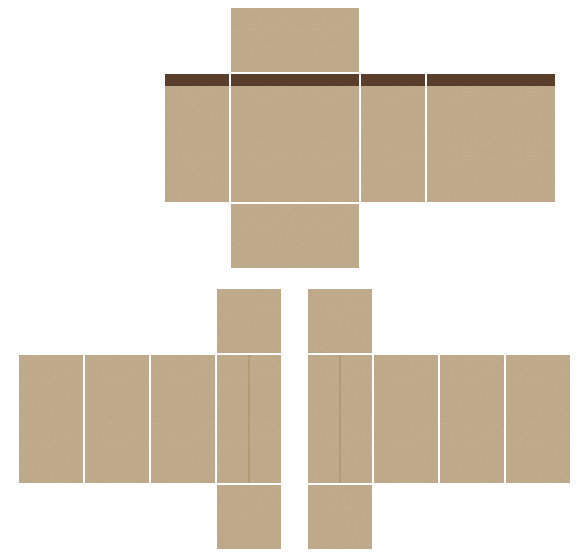
All shirt templatesShown with Khaki Chinos Download matching pants
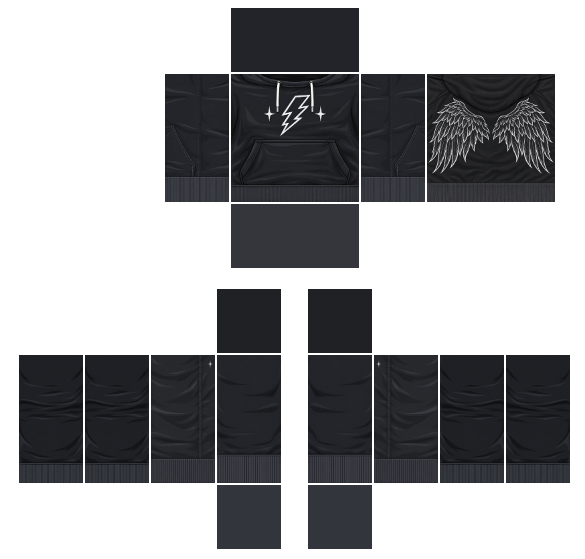
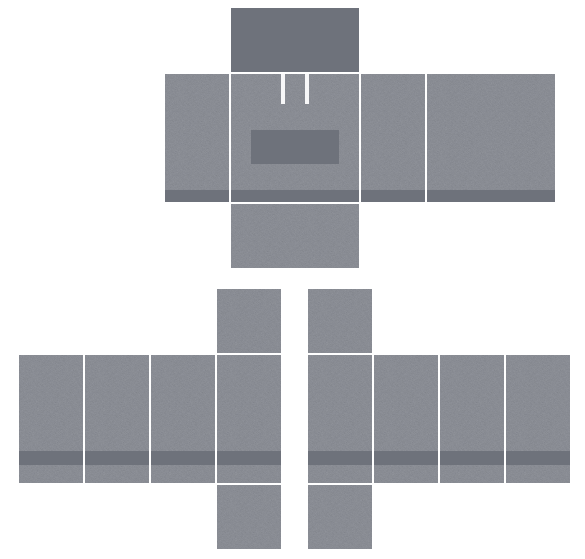
Midnight Wings Hoodie
An oversized black hoodie with white line-art wings across the back and a lightning bolt on the chest.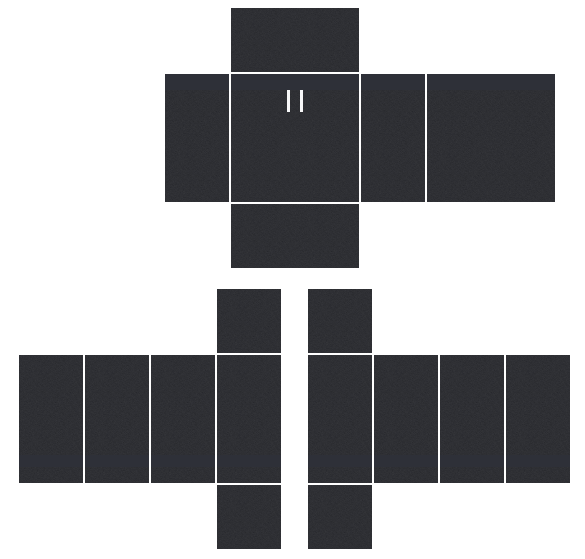
Campus Letterman Jacket
A painted navy wool body with cream leather sleeves, a glossy leather highlight, gold snap buttons, gold and white ribbed trim, and a chenille letter patch on the chest.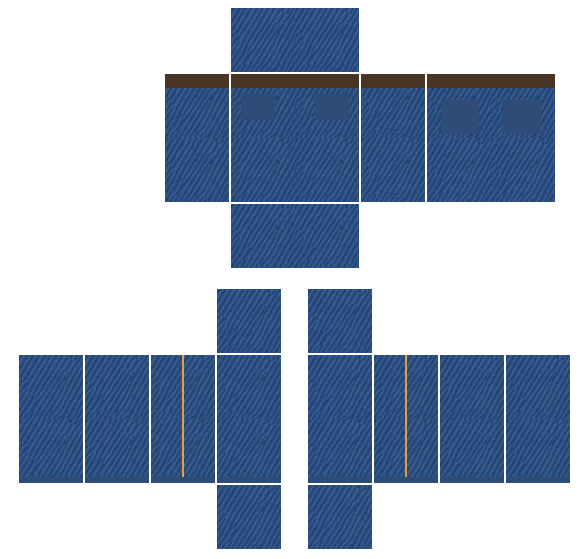
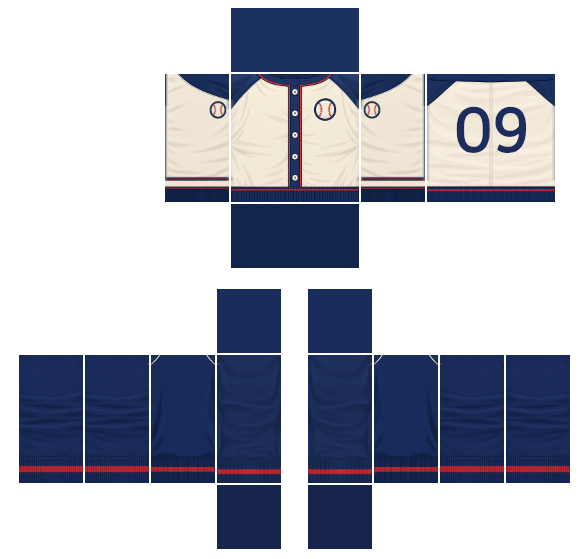
Ballpark Raglan Button-Up Jersey
A cream baseball jersey with navy raglan sleeves, white buttons and red piping.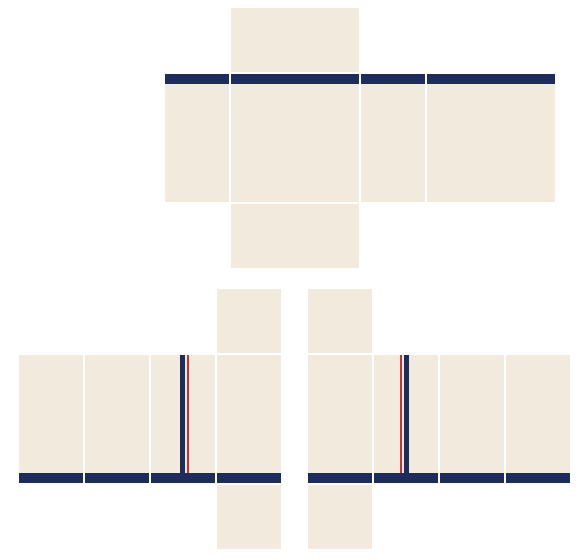
Holiday shirt templates
Free costume shirts for Halloween and sweaters for Christmas, each paired with a matching pants template.
Check it before you spend 80 Robux
Roblox charges 80 Robux to upload a classic Shirt, and a rejected item is not refunded. BloxShirt catches the common mistakes while they are still free to fix.
- 01 SIZEExact template sizeExport always matches the official 585 × 559 Shirt template.
- 02 SEAMSSeam warningsFlags art that runs across a face edge, where it bends around the avatar.
- 03 COVERAGENo see-through facesLists faces left transparent, so you do not ship a shirt with a hole in it.

Shirt, T-Shirt or Pants?
Roblox has three kinds of classic clothing. This maker builds Shirts: the whole torso and both arms.
| TYPE | COVERS | IMAGE |
|---|---|---|
| Shirt | Torso and both arms | 585 × 559 Shirt template |
| Pants | Torso and both legs | 585 × 559 Pants template |
| T-Shirt | A decal on the torso front | Square image |
FAQ
Yes. The Shirt Maker, the templates and the clothing tester are free, with no sign-up and no watermark on your download.