
Roblox T-Shirt Template
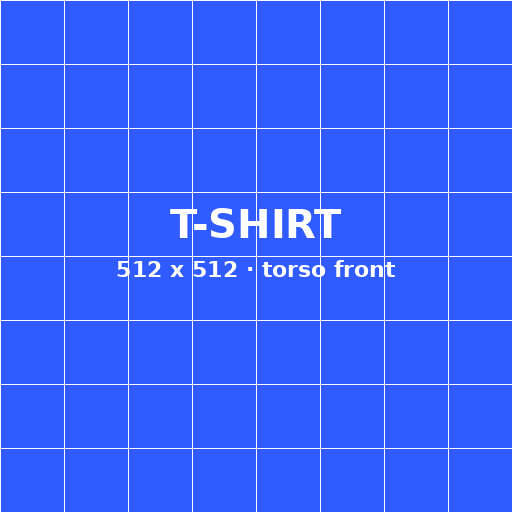
A 512 × 512 picture for the torso front. Free, no sign-up, no watermark.
The Roblox T Shirt template
A T-shirt is simpler than a Shirt: one square picture that Roblox shows on the torso front. Want sleeves or a back print? Use the Shirt Maker.
T-Shirt vs Shirt
Roblox's classic clothing docs describe a T-shirt as a square image — 512 × 512 is the example size — that sits on the front torso of a blocky character. It does not wrap the sides, back, or arms. Roblox describes the T-shirt as a square image and uses 512 × 512 as the example size, which you can read in the Roblox Creator Hub classic clothing docs.
A classic Shirt is a different asset. It uses the 585 × 559 Shirt template: 128 × 128 squares for the torso front and back, 64 × 128 faces for the sides and arms, plus smaller top and bottom squares. That file wraps the torso and both arms. Use a Shirt when you need sleeves, a printed back, or coverage on the sides.
You can wear both. The T-shirt image is drawn on top of the torso front, so any transparent pixels in the T-shirt show the Shirt underneath. This maker exports a square PNG. You still upload it yourself from the Creator Dashboard. Roblox charges 80 Robux per classic clothing submission and does not refund a rejected item, so open the file on a dummy in Roblox Studio first.
Keep the export square. A crop, a 585 × 559 Shirt sheet, or extra pixels around the art will not map the way a T-shirt should. Editing, the 3D preview, and the download all run in your browser. Closing the tab clears the image.
Before you pay the fee, look at three things in Studio: the picture sits only on the torso front, transparent pixels show the Shirt or body underneath, and nothing important is cut off at the square edge. Roblox's docs say to export classic clothing as a PNG or JPG. This page downloads a PNG. If Studio still looks wrong, fix the file here and download again instead of uploading a second time. The labelled grid on this page is only a guide for placement. Do not upload the grid itself. Export from the maker so the PNG is a clean square with your art and nothing else.
FAQ
A square image; Roblox's example is 512 × 512. It is shown on the front of the torso only.